2. Klik tanda (+) dan pilih foto yang akan diedit
3. Masukkan prompt yang ada di artikel ini. Prompt bisa kamu edit sesuai dengan kebutuhan dan keinginan. Ingat untuk memasukkan prompt dengan jelas
4. Send dan tunggu Gemini memberikan hasil fotonya
5. Unduh foto dan bagikan di media sosial
Baca Juga: Tren Foto Miliarder dengan Gemini AI Viral: Netizen Bisa Pose di Jet Pribadi hingga Ballroom Mewah
Prompt
Dilansir melalui akun TikTok @bramzed_, berikut contoh prompt-nya:
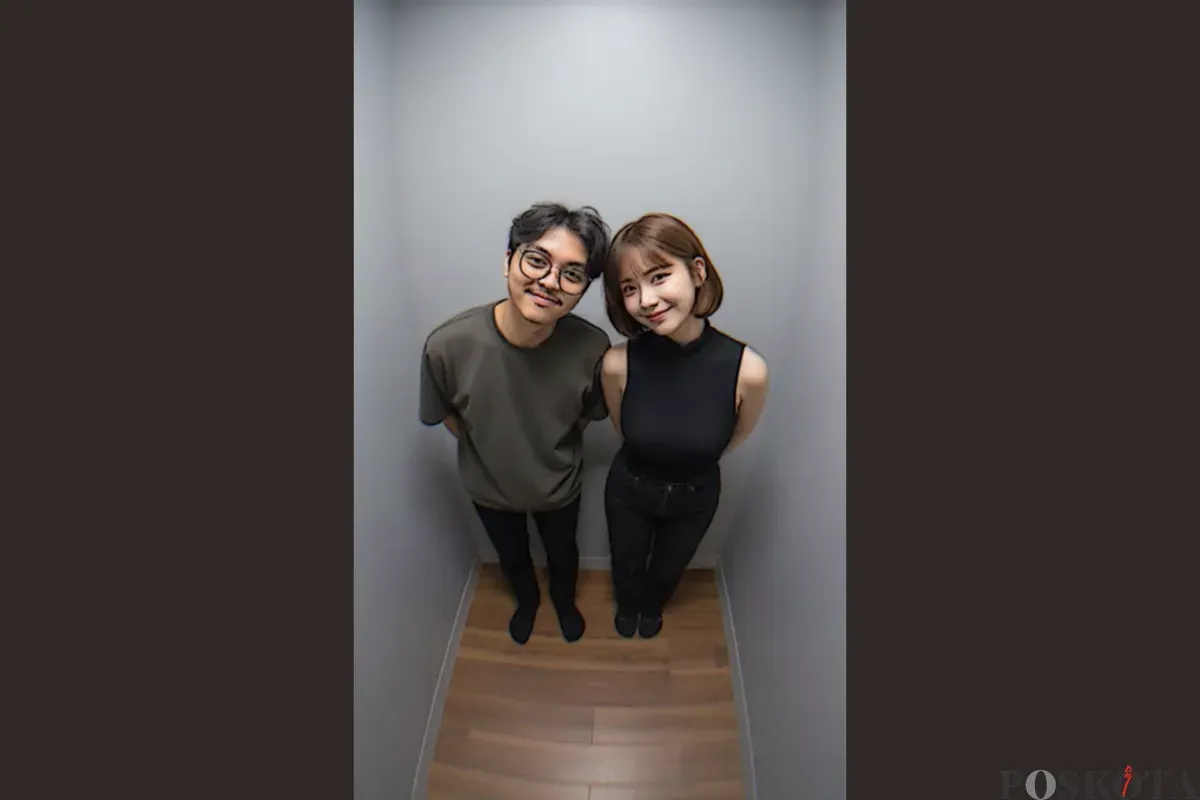
Keep the original facial details from the reference photo without altering their anside a small photo booth room with plain gray walls and a woodeng brown floor.
They are standing side by side with their hands behind their backs leaning slightly forward tilting their heads closer together and smiling naturally captured in a wide angle fisheye style with curved wall effect soft natural lighting and a realistic natural look.
Demikian cara edit ala photobooth dengan pasangan di Gemini AI.