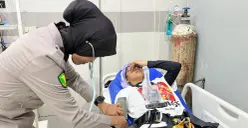
2. Klik tanda (+) dan pilih foto yang akan diedit
3. Masukkan prompt yang ada di artikel ini. Prompt bisa kamu edit sesuai dengan kebutuhan dan keinginan. Ingat untuk memasukkan prompt dengan jelas
4. Send dan tunggu Gemini memberikan hasil fotonya
5. Unduh foto dan bagikan di media sosial
Baca Juga: Ini Cara Edit Foto Realistis dengan Prompt Gemini AI Nano untuk Hasil yang Estetik
Prompt
Dilansir melalui akun TikTok @marcosgrslss, berikut contoh prompt-nya:
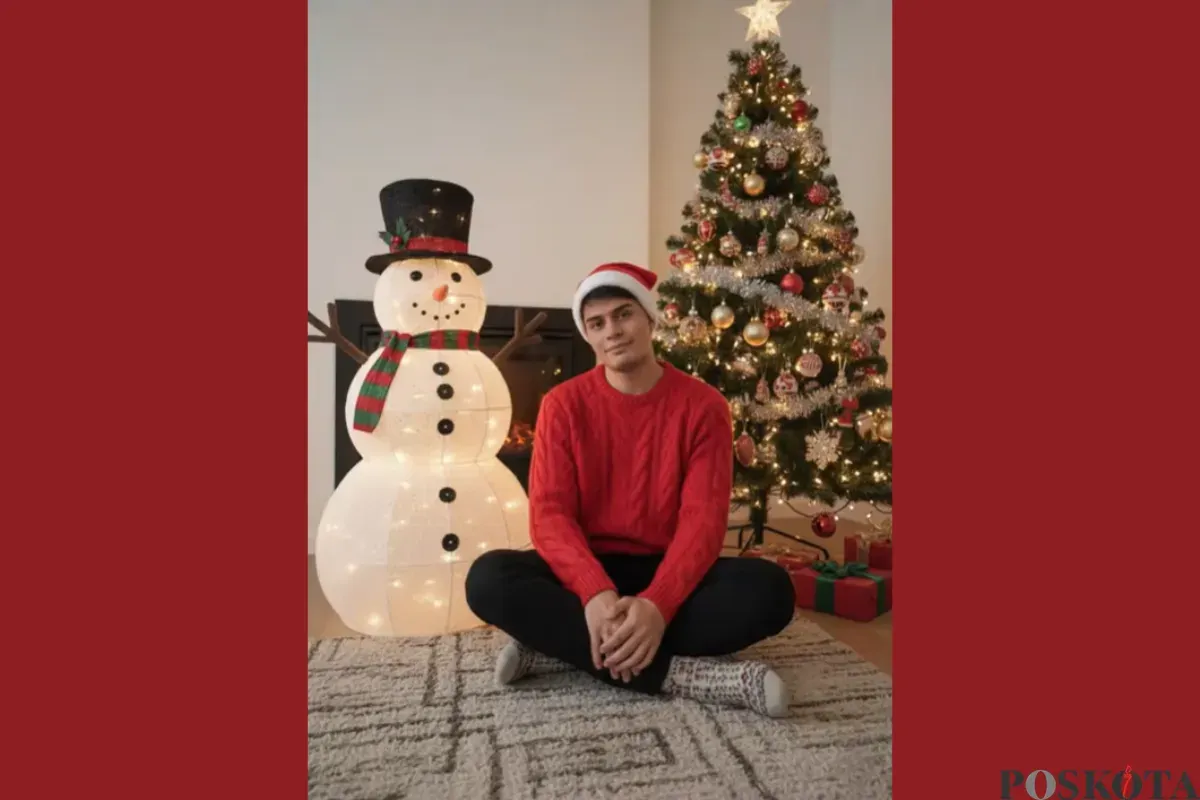
Hyperrealistic portrait, cozy Christmas atmosphere. Using the reference image as a STRICT AND NON-NEGOTIABLE source, preserve the EXACT likeness, facial structure, body proportions, and natural hair of the person. Do not alter facial structure, skin texture, or hair type.
Person sitting on rug, wearing red Christmas beanie, bright red knit sweater, straight black pants, wool socks. Looking gently at camera.
Fully decorated glowing snowman with all accessories and full-size Christmas tree at normal scale. Clean composition with only these three elements. Warm ambient indoor lighting.
minimalist Christmas scene, proper scale elements, intimate portrait 2:3 style raw.
Demikian informasi edit foto nuansa natal menggunakan Gemini AI.